Adding AI-agent tools to a working codebase can feel like a risky move. You have tests, configs and your own tooling—do you really want to hand all that over to a new framework? The good news: you do not have to. This guide shows how to add AI capabilities without touching what already works.
The brownfield rule
Do not own the repo. Add an overlay. Show diffs. Remove cleanly.
Safe adoption lifecycle
inspect → init → generate → plan → apply → removeInspect
Find existing MCP configs, agent instructions, OpenAPI files, scripts and gateway policies without modifying anything.
Generate
Write generated artifacts into an isolated directory such as .actlane/generated.
Plan
Show the exact diff before touching project files.
Apply
Apply only selected targets and only after explicit confirmation.
Remove
Delete only Actlane-owned files and owned blocks. Keep user files and manually modified content.
Why removal matters
A reversible adoption path builds trust. Developers are more willing to try a tool when they know they can remove it without damaging the repo.
Recommended defaults
- Never overwrite unknown files.
- Use ownership markers for generated blocks.
- Keep an owned-files registry.
- Make
remove --dry-runthe default habit. - Keep backups before applying integrations.
Product takeaway
For developer tools, safe removal is part of safe installation. Actlane should be useful before it becomes invasive.
Why this topic is related to Actlane
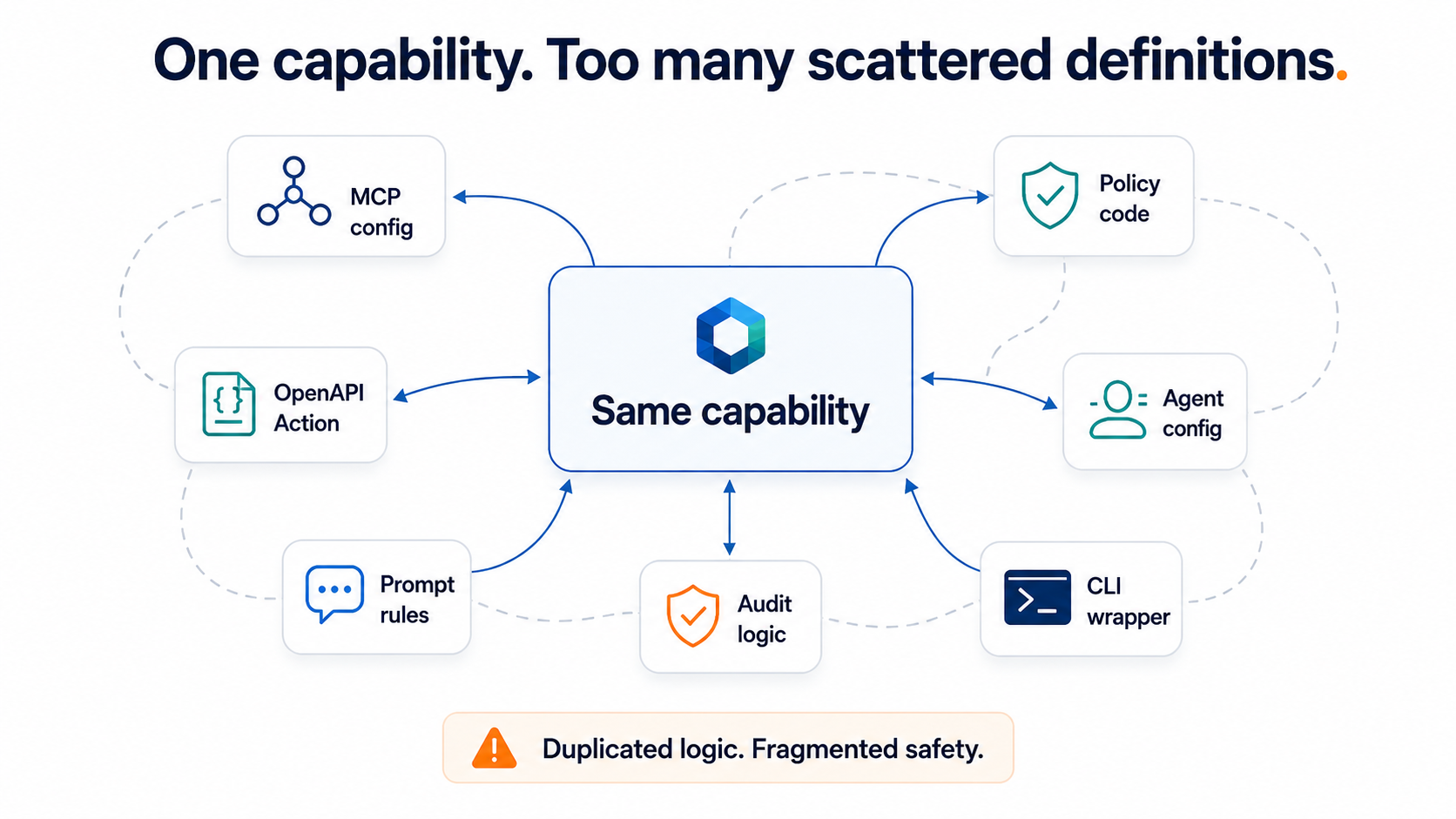
Most teams already have prompts, MCP configs, IDE settings and gateway rules. Actlane is designed for brownfield adoption: inspect first, generate additive artifacts, show diffs, apply only when requested and remove cleanly.
Try Actlane
Actlane is a DSL-first toolkit for safe AI-agent actions. It generates MCP tools, OpenAPI Actions, IDE configs and policy bundles from a single capability definition—all designed to work with your existing repo, not replace it.
Explore on GitHub · See the safe draft PR example · Back to all articles